
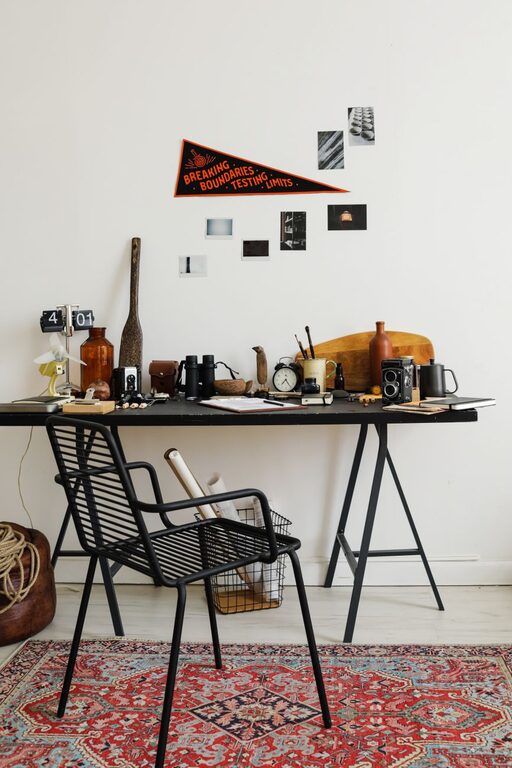
Creating a workspace that feels fresh and inviting can significantly improve your mood and productivity. However, many of us feel overwhelmed when thinking about deep cleaning or reorganizing, often postponing the task. The good news is that refreshing your workspace doesn’t have to take hours. With just ten minutes, you can transform your desk and surroundings into a more inspiring and efficient area. Here’s a step-by-step guide to help you achieve this quickly and easily.
Why Refresh Your Workspace?
A cluttered or dull workspace can negatively impact your concentration and creativity. Taking a few minutes to refresh your setup can:
– Reduce distractions
– Improve focus and motivation
– Inspire new ideas
– Create a more comfortable and pleasant environment
Even small changes can make a big difference in how you feel about your workday.
What You’ll Need
Before starting, gather a few essentials:
– Cleaning wipes or a microfiber cloth
– Trash bin or recycling bag
– Organizing trays or containers (optional)
– A small plant or personal item (optional)
Having these items ready will help you move smoothly through the process.
Step 1: Clear the Surface (2 Minutes)
The first step is to clear everything off your desk or workspace surface. Remove papers, pens, gadgets, and any other items. This allows you to see the entire space and clean it properly.
Tips:
– Place items in piles based on their purpose (to keep, relocate, or discard).
– Don’t worry about perfect organization yet; just clear the clutter.
Step 2: Wipe Down Your Desk and Equipment (3 Minutes)
Use a cleaning wipe or microfiber cloth to dust and wipe down the desk surface, keyboard, mouse, and monitor screen. Cleanliness can uplift your workspace and help reduce germs.
Tips:
– Use a screen-safe cleaner or a damp cloth for monitors.
– Don’t forget the corners and edges where dust tends to collect.
Step 3: Sort and Organize Essentials (3 Minutes)
Return only the items you need daily to your desk. Organize them neatly to prevent clutter. Use containers or trays for small items like pens, paper clips, and sticky notes.
Tips:
– Keep your most-used items within arm’s reach.
– Store less frequently used supplies in drawers or shelves.
Step 4: Add a Personal Touch (1 Minute)
A small personal item, like a plant, photo, or decorative object, can make your workspace more inviting and personalized.
Suggestions:
– A small succulent or air plant adds life without requiring much care.
– A favorite photo or inspirational quote can boost your mood.
Step 5: Final Touch and Mindful Setup (1 Minute)
Adjust your chair, screen height, and lighting if needed for better ergonomics and comfort. Make sure your workspace feels welcoming and well-lit.
Tips:
– Position your monitor at eye level to reduce neck strain.
– Use natural light if possible, or adjust desk lamps for adequate lighting.
Bonus Tips for Maintaining Your Refreshed Workspace
– Daily 2-Minute Tidy: Spend a couple of minutes at the end of each day tidying up.
– Limit Paper: Go digital when possible to reduce paper clutter.
– Rotate Decorations: Change small decor items occasionally to keep the space interesting.
– Use Cable Organizers: Keep cords neat with cable clips or ties.
Conclusion
Refreshing your workspace doesn’t have to be a daunting task. By following these simple steps, you can revitalize your environment in just ten minutes, helping you feel more organized, focused, and motivated throughout your workday. Try incorporating this quick routine regularly for lasting benefits.
Ready to give your workspace a quick makeover? Set a timer for ten minutes and watch the difference it makes!